
If you're seeing an error like "ERR_TOO_MANY_REDIRECTS" or your cashback card simply isn't loading, don't worry - here are a few things to try before getting in touch with us.
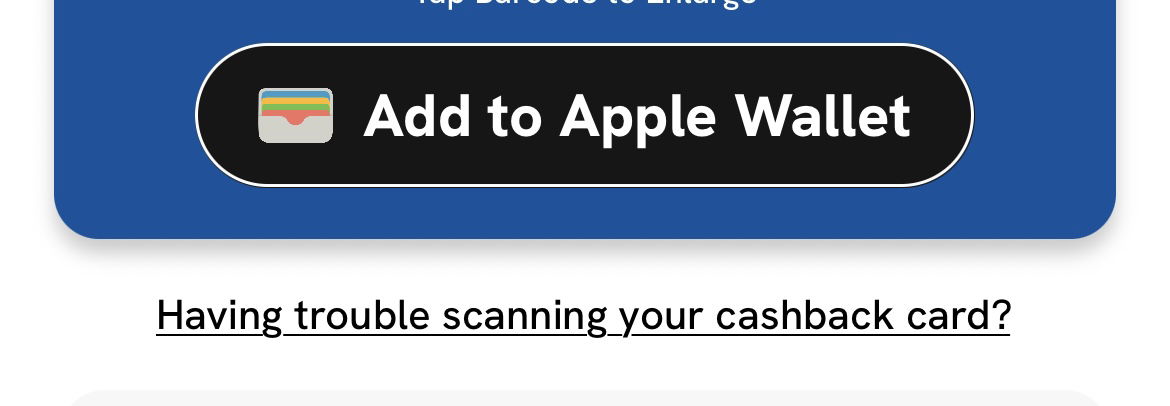
Tap "Having trouble scanning your cashback card?" — this is always your first port of call. You'll find it just underneath the QR code of your cashback card, and it will take you directly to your cashback card.
Clear your browser cache and cookies — old browser data can sometimes cause loading issues. Go to your browser settings, find "Clear browsing data" and clear your cache and cookies. Then try again.
Try a different browser — if clearing your cache doesn't work, try opening the link in a different browser such as Chrome, Safari, or Firefox.
Use incognito or private mode — open an incognito or private window in your browser and try again from there.
Still seeing an error?
Head to Contact Support in the app Settings and we'll get you sorted. ⭐️
If you're having trouble accessing the app, you can fill out our Customer Support form and our team will help you as soon as possible.