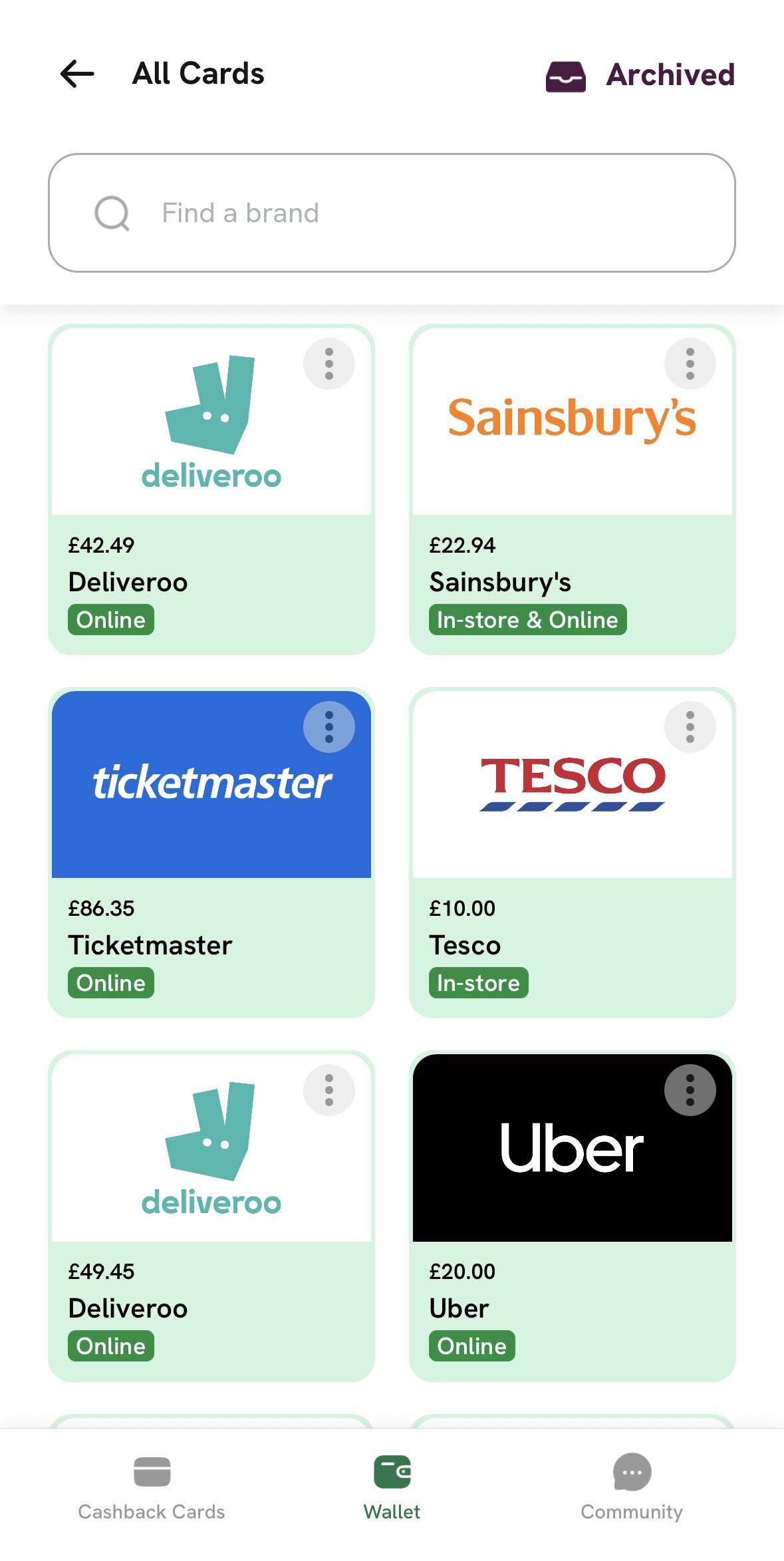

Finding your cards is simple! Just head to the Wallet tab from the main menu to see all your active and previous cards.
Once you’re in your wallet, you can tap on any card to see the barcode, QR code, or the card number and PIN needed for your purchase.
Need help with your cashback cards?
Head to Contact Support in the app Settings and we'll get you sorted. ⭐️
If you're having trouble accessing the app, you can fill out our Customer Support form and our team will help you as soon as possible.